> ## Documentation Index
> Fetch the complete documentation index at: https://docs.daily.co/llms.txt
> Use this file to discover all available pages before exploring further.
# setUserData()
> Sets arbitrary custom data on the local participant, visible to all other participants.
`setUserData(data)`
{"✓"} Prebuilt {"✓"} Custom
Associates arbitrary custom data with the local participant and syncs it to all other participants. The data is stored in the `userData` property of the local participant's [`DailyParticipant`](/reference/daily-js/types/daily-participant) object and replaces any previously set value.
A participant can only set their own `userData` — not another participant's.
Updates are rate limited. The local copy of `userData` is updated immediately, but propagation to other participants is throttled. All participants are guaranteed to converge on the same final value.
## Parameters
Any JSON-serializable value with a max payload size of 4KB. Pass `undefined` to remove `userData` from the participant object entirely.
## Return value
Returns a `Promise` that resolves to `{ userData: unknown }` — the value that was set.
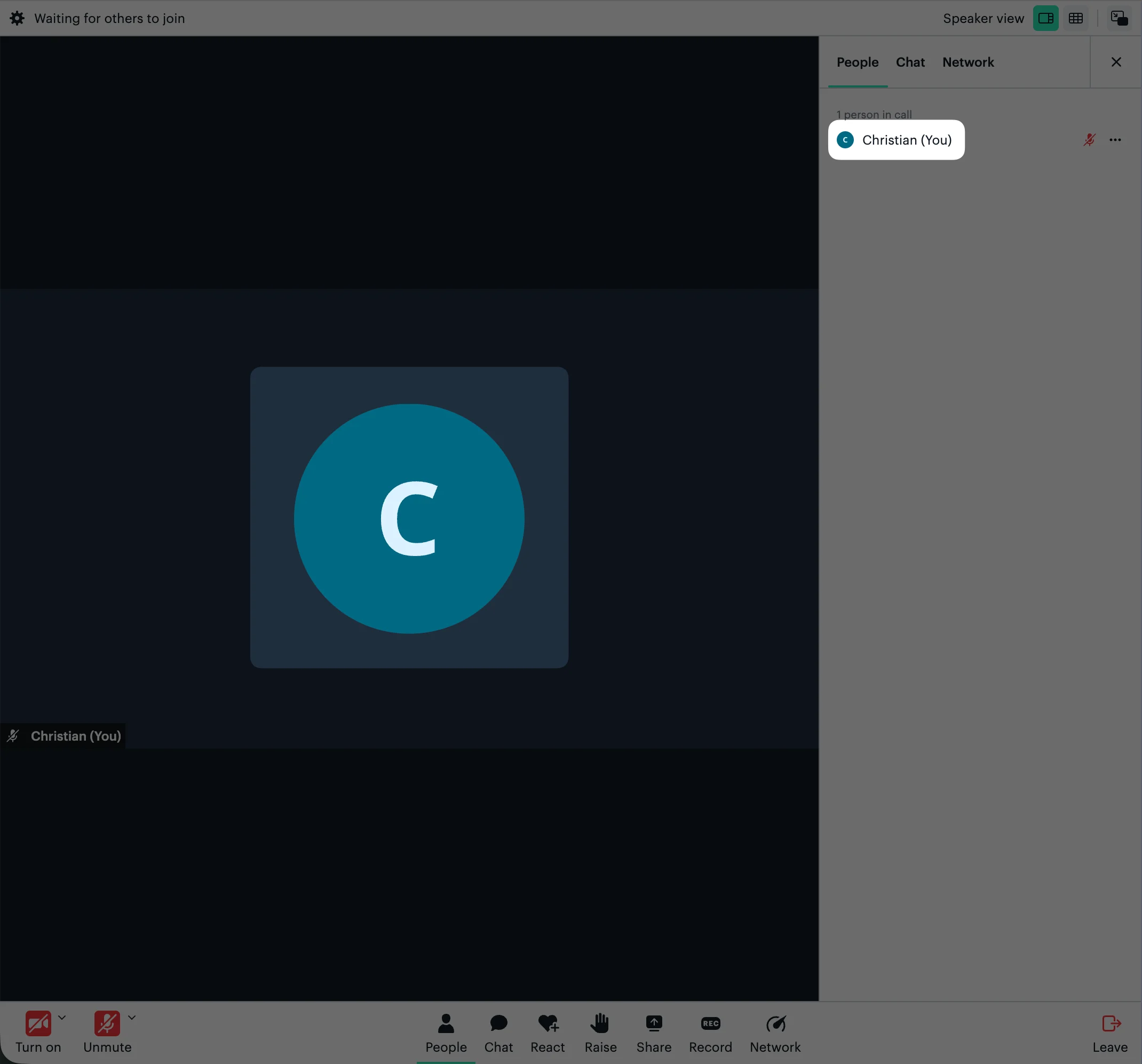
## Custom avatar in Daily Prebuilt
Setting an `avatar` key displays a custom image on the participant's muted tile and in the People tab. The URL must be publicly accessible.
```javascript theme={null}
call.setUserData({ avatar: 'https://example.com/avatar.jpg' });
```
 ## Examples
### Custom application state
```javascript theme={null}
call.setUserData({ hasHandRaised: true });
```
### Reading userData
```javascript theme={null}
const local = call.participants()['local'];
console.log(local.userData);
const remote = call.participants()[participantSessionId];
console.log(remote.userData);
```
## See also
* [DailyCallOptions: userData](/reference/daily-js/types/daily-call-options#param-user-data)
* [DailyParticipant](/reference/daily-js/types/daily-participant)
* [participants()](/reference/daily-js/instance-methods/participants)
* [setUserName()](/reference/daily-js/instance-methods/set-user-name)
* [participant-updated](/reference/daily-js/events/participant-events#participant-updated)
* [Custom messages and shared data](/docs/daily-js/guides/custom-messages)
## Examples
### Custom application state
```javascript theme={null}
call.setUserData({ hasHandRaised: true });
```
### Reading userData
```javascript theme={null}
const local = call.participants()['local'];
console.log(local.userData);
const remote = call.participants()[participantSessionId];
console.log(remote.userData);
```
## See also
* [DailyCallOptions: userData](/reference/daily-js/types/daily-call-options#param-user-data)
* [DailyParticipant](/reference/daily-js/types/daily-participant)
* [participants()](/reference/daily-js/instance-methods/participants)
* [setUserName()](/reference/daily-js/instance-methods/set-user-name)
* [participant-updated](/reference/daily-js/events/participant-events#participant-updated)
* [Custom messages and shared data](/docs/daily-js/guides/custom-messages)