

Choosing between interactive live streaming and RTMP output
Both interactive live streaming and RTMP output can support large audiences. They are two different technologies that offer your audience different latencies and levels of engagement. Interactive live streaming is useful when all participants need to view and hear the discussion in real time. Some examples include:- Live commerce, where attendees need to bid or shop in real time
- A town hall, where an attendee doesn’t need to have their camera on, but needs to be able to submit chat questions in real time
Interactive live streaming: Up to 100,000 participants
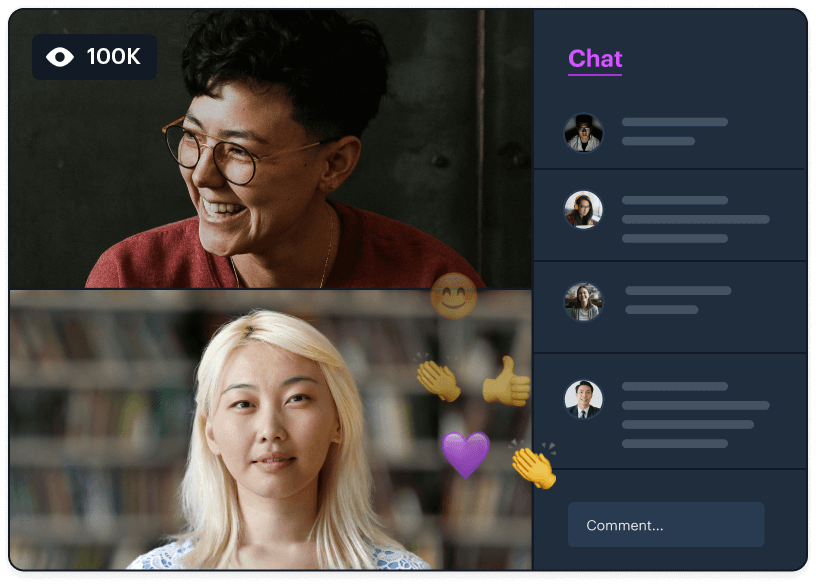
Active vs. hidden participants
Participants who can turn on their devices are considered “active” and participants who cannot turn on devices are considered “hidden.”Active participants are participants who have a “presence” in a call. They can turn on their devices during the call and have their participant information available in the
participants() method return value.Hidden (or “passive”) participants are considered to not have a “presence.” They can view a real-time call but cannot turn on their devices and do not have their participant information returned by the participants() method.Active and hidden participant count totals can be retrieved via the participantCounts() method and tracked via the "participant-counts-updated" event.General rules for 100,000-participant calls
There are a few key numbers to be aware of:- Daily calls involving more than 1,000 participants should be configured as interactive live streams.
- At most, 25 participants can be active (cameras and microphones on), plus one screen share.
- All other participants must have cameras and microphones off.
- Every client will receive real-time video and audio, whether they’re a speaker or attendee.
Daily Prebuilt configurations to support 100,000 participants
To set up interactive live streaming with Daily Prebuilt, the following room and/or domain properties must be set totrue:
The room’s default permissions should also be configured so that participants cannot send media by default:
Custom app configurations to support 100,000 participants
To set up an interactive live streaming session with a custom Daily app, the following room properties must be set totrue:
Here is an example cURL command enabling these room properties:
start_audio_off and start_video_off meeting token properties.
- Presenters should have these properties set to
false(the default), so their devices start on. - Viewers should have these properties set to
true, so their devices are off when they join.
is_owner meeting token property, and only allow meeting owners to access their devices.