The Daily VCS SDK is available at https://github.com/daily-co/daily-vcs.
- Daily’s baseline composition, which does not require using the VCS SDK directly. It can be used by passing specific options via Daily’s live streaming and recording methods. See the
daily-jsorreact-native-daily-jslive streaming or cloud recording reference docs for more information. - Daily’s VCS SDK, which includes the source code used to build Daily’s baseline composition. The goal of using the VCS SDK is to build your own compositions. In other words, you can consider it a modifiable version of Daily’s baseline composition. Using the VCS SDK maximizes how much you can customize your Daily live stream and cloud recording layouts.
Installing the VCS SDK locally
- Clone the GitHub repo. Then navigate to the
daily-vcs/jssubdirectory in a terminal, and install the JavaScript components using the yarn package manager.
You can also use
npm instead of yarn if you prefer. The project is compatible with either package management tool. For npm, the command is npm install.Run the VCS Simulator locally
To test that your local copy of VCS is working correctly, try running the VCS Simulator locally from thedaily-vcs/js directory with the following command:
localhost:8083 in your web browser with your local copy of the VCS Simulator displayed.
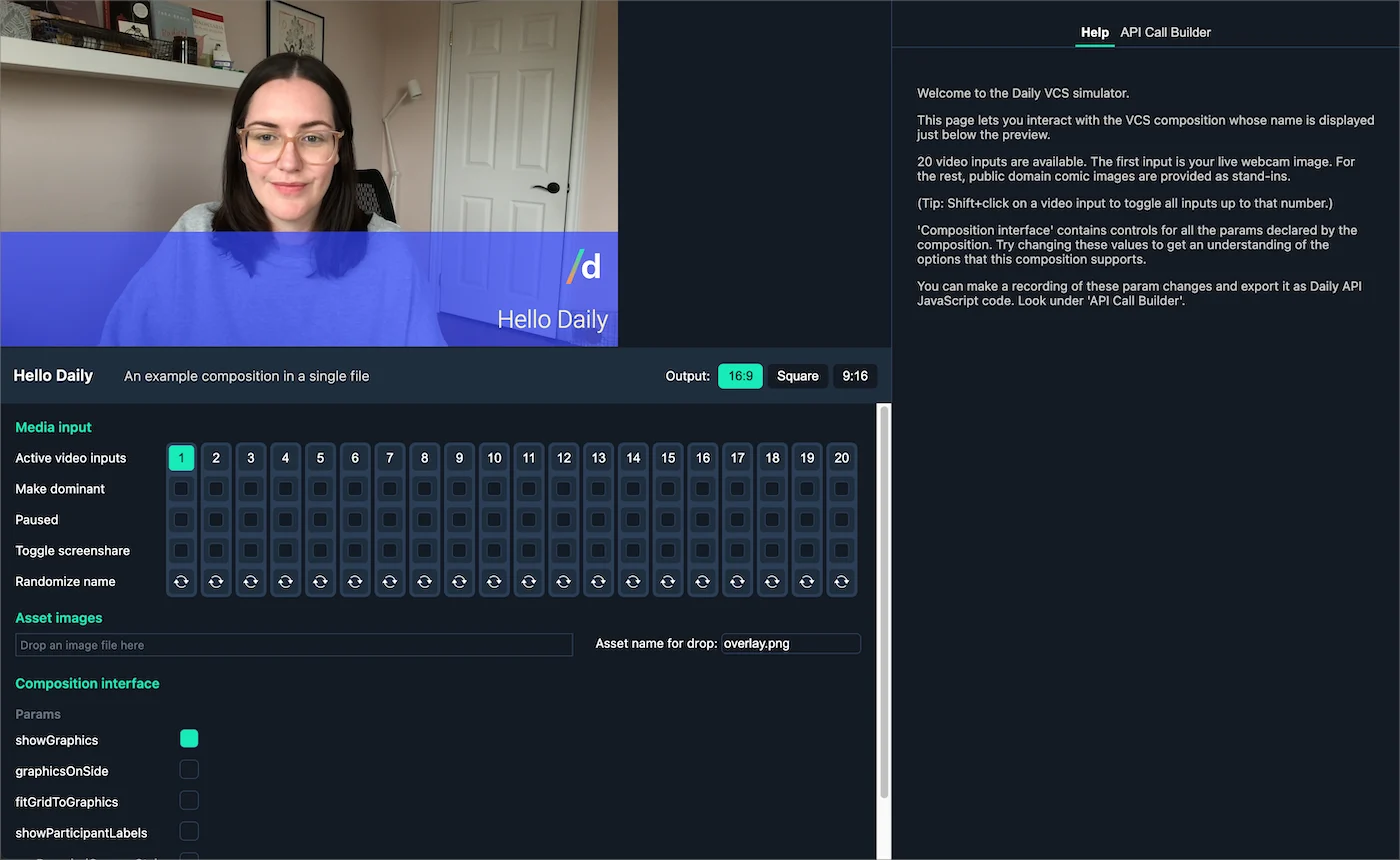
This will open the same video feed as shown in Daily’s hosted VCS Simulator, which includes default composition parameters for the baseline composition.
The source code for the baseline composition is part of the VCS SDK. You could just start modifying that code to learn how it works, but it’s a rather large program. To make the learning curve easier, we’ll look at an isolated example that shows the basic concepts and nothing else.
Test an example custom composition locally
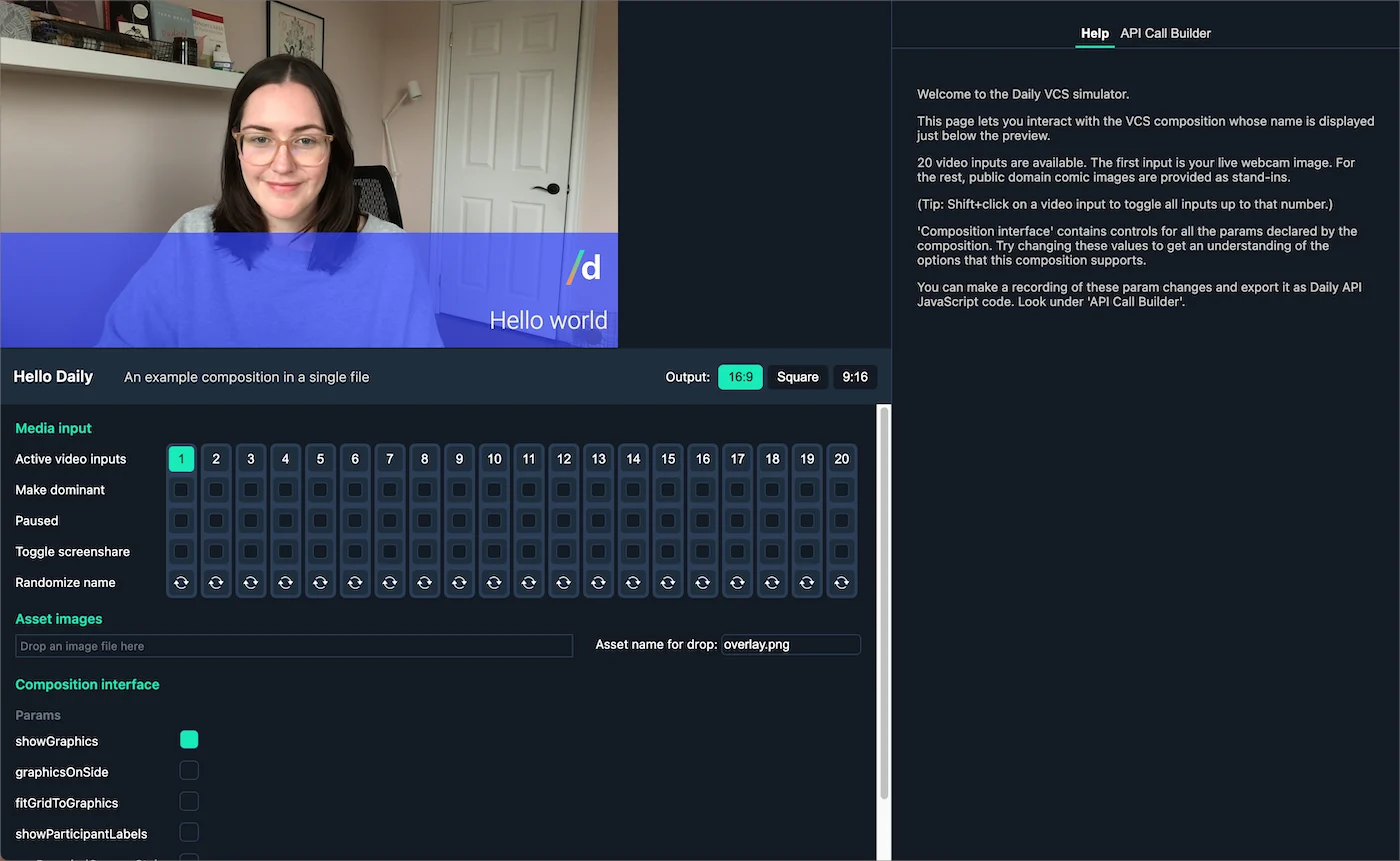
To help developers understand how to build their own compositions with VCS, we’ve included an example VCS composition called “hello”. This composition adds a semi-transparent purple bar to the bottom of the video frame, with the phrase “Hello world”, and a Daily logo watermark that moves around the screen. Since you’ll want to test any compositions you build yourself in the VCS Simulator to make sure it looks how you intended, let’s load this “hello” example composition in the VCS Simulator to make sure custom compositions can load as expected. From thedaily-vcs/js directory in a terminal, run:
The source code for
example:hello is in a file located at: daily-vcs/js/example/hello.jsx in the VCS SDK source code.localhost:8083 in your web browser.
Editing an example custom composition
To see how VCS can control your video feed layout and graphics, try making a change to your copy ofdaily-vcs/js/example/hello.jsx in your text editor. For example, look for the line that defines the name of the composition, “Hello Daily”: