

Daily Prebuilt
Daily Prebuilt is a complete, full-featured video call component that you can embed in your app or website with just a few lines of code. Once you create a Daily room URL, you can embed it in any website or app.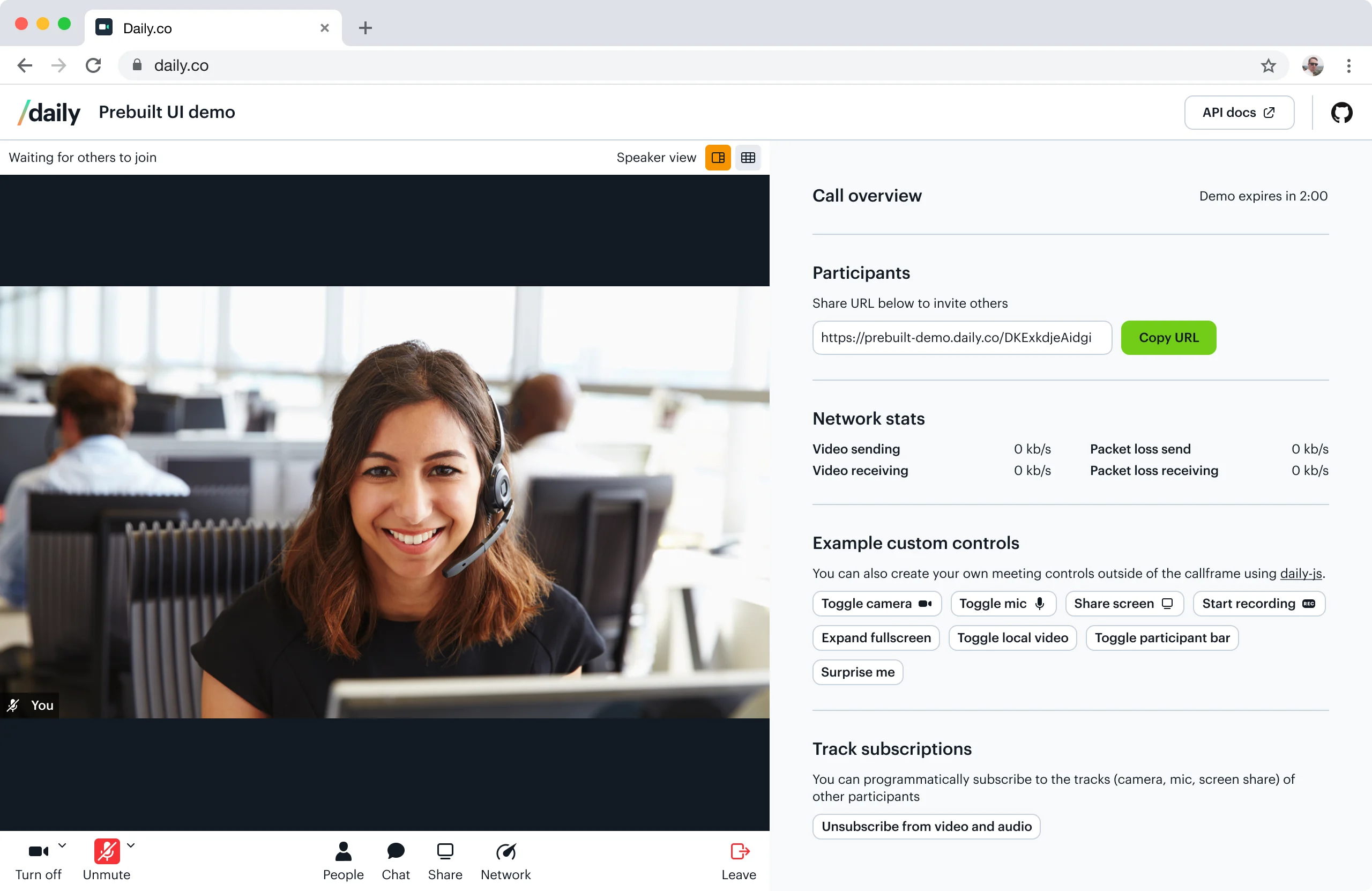
When to use Daily Prebuilt
If speed is your top priority, Daily Prebuilt is the best choice: in minutes, you can prototype video calls within your application. You might also want to consider using Daily Prebuilt if video chat is a feature that you need to add, but not necessarily one that you need to customize. If you do want to customize your video chat interface, you’ll want to use the Daily call object.Jump in:
Daily Prebuilt features
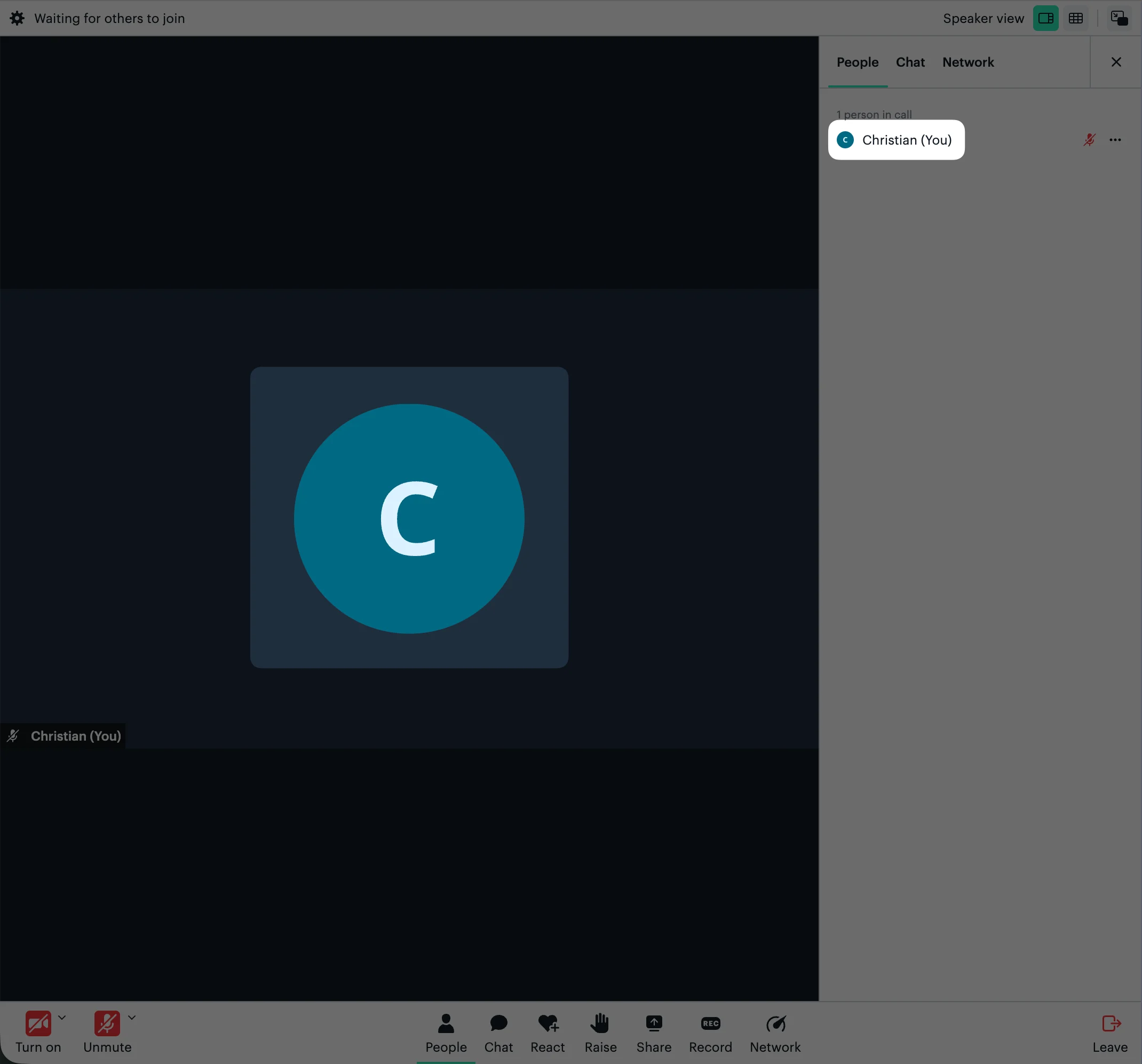
- Ready-to-use video chat interface
- Built-in bandwidth management
- Cross-browser compatibility
- Screen sharing
- Active speaker and grid layout modes
- Text chat
- Emoji reactions
- Hand raising
- Participant list
- Custom avatar images
- Network analytics display
- Localized interfaces
- Electron compatible
- Recording
- HIPAA compliance
HIPAA pricingBuilding a HIPAA compliant video chat with Daily is available with the Healthcare add-on, and involves a few additional steps to set up. Read our HIPAA guide and pricing page for more information.
Step-by-step guide: embed Daily Prebuilt
First, you’ll need a Daily room URL — create one via the dashboard or the REST API. Once you have one ready, replaceDAILY_ROOM_URL in the code snippet below with your own room URL (e.g. https://your-team.daily.co/hello).
Importing daily-js through NPM
As an alternative to the script import shown here, you can also import daily-js via our NPM package as follows:
DailyCall.createFrame() to customize how the embedded Daily Prebuilt looks. Here’s an example that sets the Daily Prebuilt to fullscreen:
DailyCall properties in our reference docs, including iframeStyle and userData.