

If you need to build a fully custom UI, use the Daily call object.
Feature configuration
Many parts of the in-call experience can be customized by changing domain, room, or meeting token properties.Domain and room properties
If a property is set at both the domain and room level, the room setting takes precedence.Room and meeting token properties
If a property is set at both the room and meeting token level, the meeting token setting takes precedence.
These UI-related properties can be specified at the room level:
And these UI-related properties can be configured using meeting tokens:
Pre-join experience
If you’re using Daily Prebuilt, settingenable_prejoin_ui to true at either the room or domain level turns on a lobby experience for call participants. They can check their camera and microphone before joining a call, and also wait to be admitted by the host if the room is private and they are joining without a token.
You can also take advantage of a suite of Daily methods and events geared towards implementing a custom lobby if you’re building on top of the Daily call object. With these methods and events you can:
- Determine the local participant’s access level, even before attempting to join a meeting:
preAuth(),accessState(),'access-state-updated' - Request elevated access to a meeting:
requestAccess() - Manage pending access requests (if you’re a meeting owner):
waitingParticipants(),updateWaitingParticipant(),updateWaitingParticipants(),'waiting-participant-added','waiting-participant-updated','waiting-participant-removed'
Leave behavior
Two properties control what happens when a user leaves a meeting from a standalone browser tab:close_tab_on_exit and redirect_on_meeting_exit.
If close_tab_on_exit is set to true, the browser tab closes when the user clicks the leave meeting button in the in-call menu bar.
If the redirect_on_meeting_exit property is set, the property value will be interpreted as a URL that the browser should redirect to when the user clicks the leave meeting button. A query string that includes the parameter recent-call=<domain>/<room> is appended to the URL.
You can restrict where this redirect is allowed to send participants with the redirect_on_meeting_exit_allowed_hosts domain property. It is optional and unset by default, in which case any destination is permitted. Once set, it applies to the domain property, the meeting token property, and self-signed tokens; a destination that is not on the allowlist is dropped and the participant is simply not redirected when they leave.
By default, there is no leave meeting button when you embed Daily Prebuilt. You control that meeting flow with your own UI code outside the iframe. Or you can add a leave call button to the embedded UI with our Javascript API.
Branding
By default, Daily branding is shown in the call UI.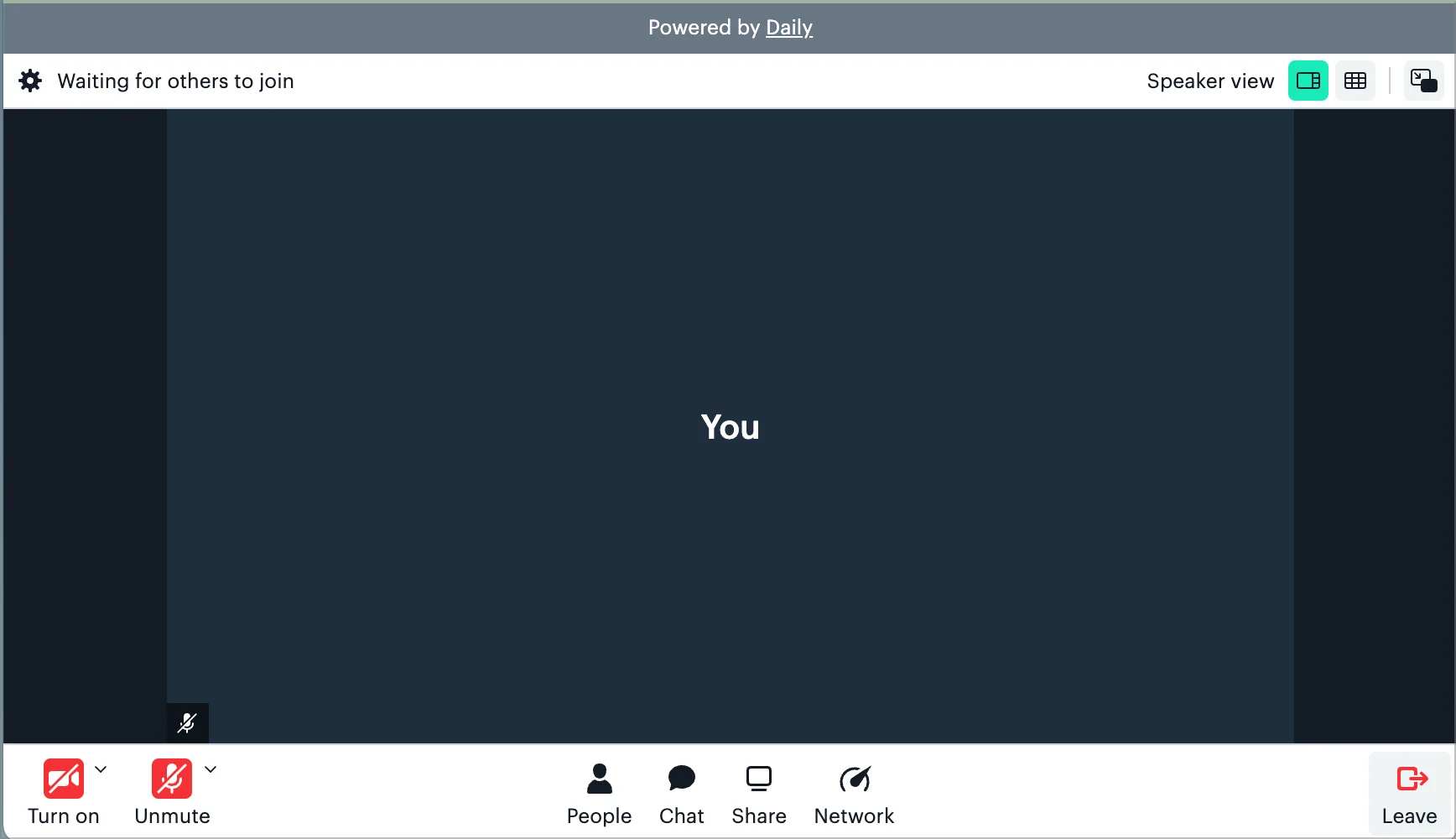
hide_daily_branding domain property.
JavaScript API customization
The following customizations are applied via the daily-js API rather than room or domain configuration. They require a call instance created withcreateFrame() or wrap().
For color theming, see Customizing Daily Prebuilt calls with color themes.
Custom CSS
Inject CSS into the Prebuilt iframe for styling beyond what the theme colors allow. You can pass CSS options at construction time viacreateFrame():
loadCss():
string
CSS class name(s) added to the
<body> element inside the Prebuilt iframe.string
URL of an external stylesheet to load inside the iframe.
string
Inline CSS string injected as a
<style> tag inside the iframe.Layout configuration
Control the number of video tiles shown in grid view vialayoutConfig at construction time:
maxTilesPerPage is a ceiling
maxTilesPerPage sets the most tiles a page can hold. Prebuilt works out how many tiles fit by dividing the grid area into cells at least 280px wide with a 16:9 shape, then uses whichever is smaller: that number, or your maximum. A narrow or portrait call frame paginates sooner.
minTilesPerPage is a hard floor, and it wins over the 280px figure. Set it higher than what fits and Prebuilt still puts that many tiles on the page, laying them out narrower than 280px to do it. The 280px is only used to work out the natural page size. It is not enforced on the rendered tile. For example, a 768x1024 grid area fits 8 tiles, and minTilesPerPage: 14 gives you 14 tiles about 259px wide. To keep tiles at a comfortable size, give the call frame more width rather than raising the floor.
maxTilesPerPage defaults to 24, minTilesPerPage to 4.
Mobile layout
Prebuilt has a desktop layout (grid view and speaker view) and a separate mobile layout. It picks one when the call frame loads, based on the browser’s user agent. It does not check window width, and it does not switch if the window is resized or the device is rotated.
Safari on iPad asks for the desktop version of a site by default, so an iPad gets the desktop layout. Turn on “Request Mobile Website”, or use Firefox, and that same iPad gets the mobile layout instead. Android tablets always get the mobile layout.
On the mobile layout,
activeSpeakerMode, setActiveSpeakerMode() and layoutConfig have no effect. It shows up to three participants per page, and that number cannot be changed. Nothing forces the desktop layout on a phone, or the mobile layout on a desktop.
Custom integrations
Embed external web apps as a sidebar panel or main area overlay inside Prebuilt. Define integrations withsetCustomIntegrations(), then start and stop them with startCustomIntegrations() and stopCustomIntegrations().
Custom tray buttons
Add custom buttons to Prebuilt’s control bar withupdateCustomTrayButtons(), then listen for clicks via the custom-button-click event.
visualState controls the button’s appearance: 'default', 'active' (toggled/pressed style), or 'sidebar-open' (indicates an open sidebar panel).